

























Buddy punching costs construction companies more than most managers want to admit. When one worker clocks in for another across multiple job sites, construction dashboards without verification features can quietly drain your payroll budget for months before anyone catches it. The problem gets worse when you’re pulling data from separate scheduling apps, accounting systems, and field reporting tools that don’t talk to each other. With insights gained after reviewing a broad range off platforms built for field-based teams, this guide covers the seven best options for stopping time theft and improving visibility across every site you run.
The shortlist methodology
Each option on this list was assessed using publicly available information gathered from user reviews, verified case studies, feature documentation, and ratings across leading software directories, with only platforms showing a proven track record in construction technology making the cut.
→ See the full research breakdown
- Buddy Punch – Best for blocking off-site clock-ins with location-locked punching
- Jibble – Best for construction crew time tracking and attendance management
- When I Work – Best for shift-based workforce scheduling and management
- Hubstaff – Best for remote and field-based workforce management
- TimeClock Plus – Best for shift-based workforce scheduling and compliance
- ClockShark – Best for construction and field service crew management
- Deputy – Best for shift-based workforce management and labor compliance
The Stakes Behind Choosing Construction Dashboards
Picking the wrong platform here isn’t a minor inconvenience. When your project cost and schedule data are scattered across siloed tools, like a scheduling app that doesn’t sync with your accounting system or a field app that updates hours only at the end of the day, your Cost Performance Index and Schedule Performance Index numbers are always a step behind reality.
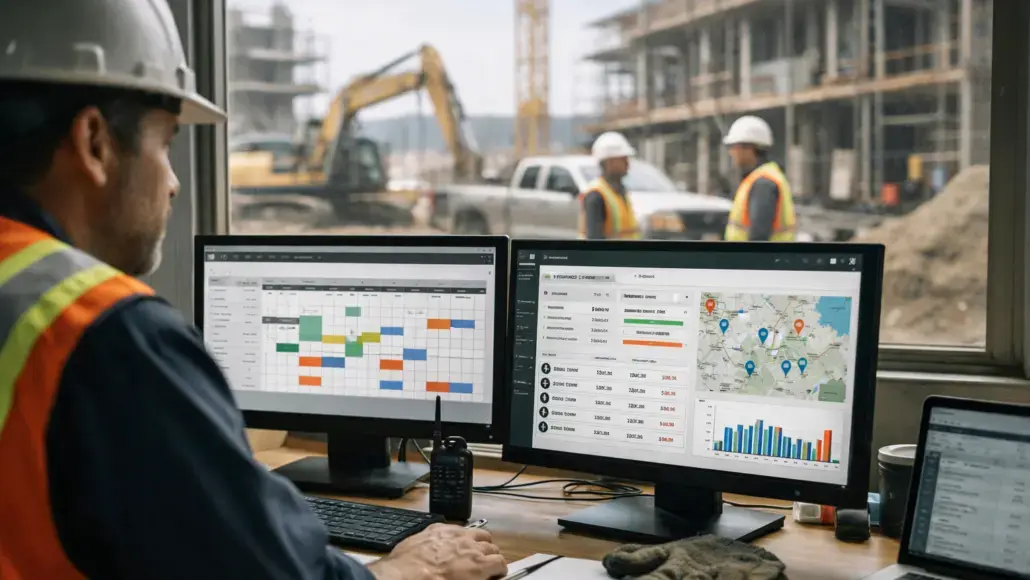
That lag creates real problems for project managers trying to catch budget overruns before they become emergencies. The right construction dashboard pulls all of that together into one view, giving you accurate earned value management metrics, clear budget variance signals, and safety incident tracking that doesn’t require chasing down field supervisors for updates.
Better data means better decisions. And better decisions mean fewer recordable incidents and more milestones that actually close on time.
7 Construction Dashboards Compared
Note: All data in this table is sourced from review platforms and the official websites of the listed companies.
| Company Name | Years Operating | Team Size | Headquartered In |
|---|---|---|---|
| Buddy Punch | Since 2013 | 2-10 | Appleton, Wisconsin |
| Jibble | Since 2016 | 78 | Guildford, United Kingdom |
| When I Work | Since 2010 | 198 | Minneapolis, Minnesota |
| Hubstaff | Since 2012 | 133 | Fishers, Indiana |
| TimeClock Plus | Since 1988 | 868 | Plano, TX |
| ClockShark | Since 2013 | 51-200 | Chico, California |
| Deputy | Since 2008 | 482 | Sydney, Australia |
1. Buddy Punch – Best for Blocking Off-Site Clock-Ins With Location-Locked Punching
What Business Functions Does Buddy Punch Handle?
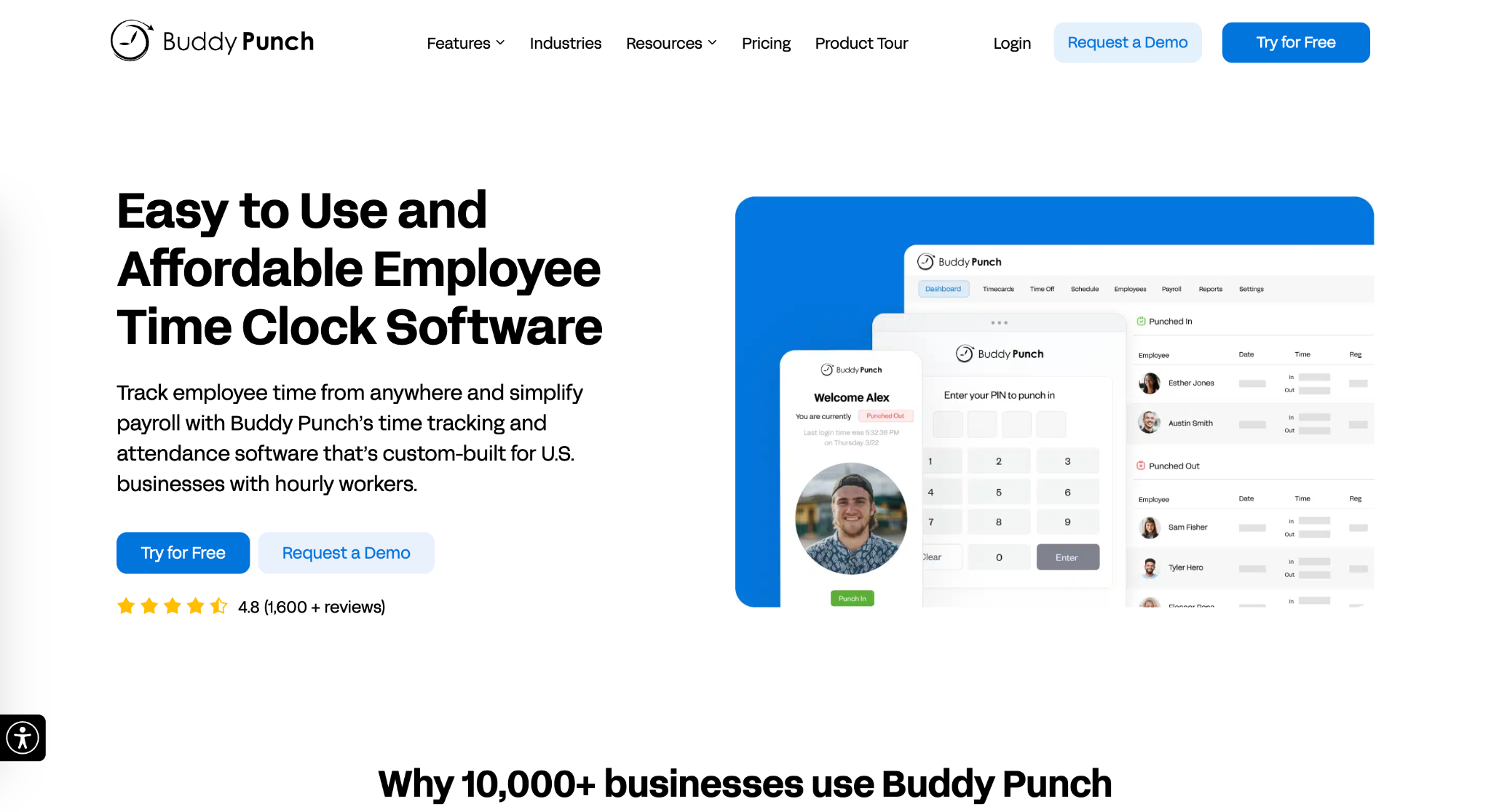
Buddy Punch is an online time clock platform designed to make time tracking easier for field-based teams while helping prevent buddy punching. The platform includes GPS-based punch tracking, job codes, QR code punches, PTO tracking, and automatic break rules. Teams can access it through web, mobile apps, tablets, or a shared time clock kiosk, while managers can see who’s clocked in and verify punch locations in real time. Buddy Punch also integrates with QuickBooks, ADP, Paychex, and SurePayroll, making it easier to move verified hours into payroll.
Where Does Buddy Punch Win for Construction Dashboards?
Most platforms here can tell you where a punch happened after the fact. Buddy Punch’s edge is stopping the wrong punch from registering in the first place: location-based restrictions block a clock-in unless the worker is physically inside the approved site boundary, helping prevent off-site or buddy punches from reaching the dashboard or payroll. Across multiple active sites, that gives managers a view of verified hours rather than just a record of what happened. The result is that buddy punching can be prevented at the time of the punch instead of being discovered at the end of the pay period. With more than 10,000 customers and steady growth without outside funding, Buddy Punch has demonstrated that this approach works for field-based businesses.
What the Reviews Show:
Buddy Punch holds a 4.8 out of 5 on both G2 and Capterra, which is a consistent score across thousands of reviews. Users keep coming back to two things: how fast new workers figure it out, and how complete the feature set feels for what they’re paying. That combination earned it the “Most Awarded Employee Time Clock Software” title across G2, Capterra, GetApp, and SourceForge.
2. Jibble – Best for Construction Crew Time Tracking and Attendance Management
What Business Functions Does Jibble Handle?
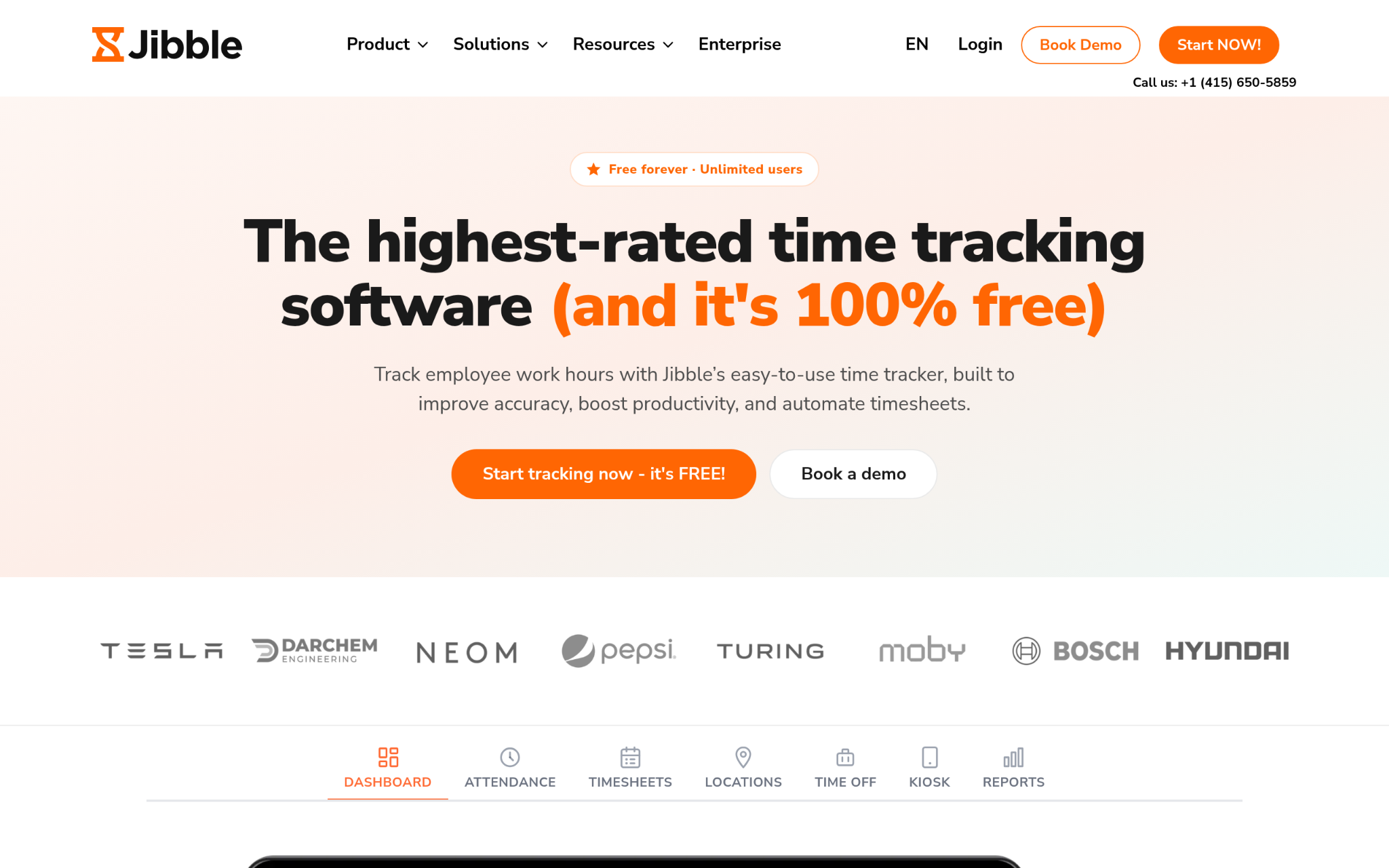
Jibble is a time tracking and attendance platform serving 40,000 customers across more than 100 countries. The platform packs GPS tracking with geofencing, facial recognition to help stop buddy punching, project tracking, PTO management, and offline attendance recording into one app. Workers can clock in from iOS, Android, a web browser, a desktop app, a Chrome extension, or a tablet kiosk, which matters when your sites have inconsistent connectivity. That offline capability is something a lot of competing platforms quietly skip.
Where Does Jibble Win for Construction Dashboards?
The facial recognition piece directly targets buddy punching at a level that most time clock tools don’t touch, making it one of the stronger anti-fraud options for crews spread across multiple locations. And the fact that the free plan includes unlimited users with GPS and facial recognition features makes this one of the best starting points for smaller contractors watching their overhead.
What the Reviews Show:
Jibble averages 4.8 out of 5 stars based on over 20,000 verified reviews across major platforms and app stores. Reviewers consistently praise the generous free tier and the facial recognition reliability, which isn’t something you hear highlighted that often. The mix of advanced features at no initial cost is what keeps their review volume growing at the pace it does.
3. When I Work – Best for Shift-Based Workforce Scheduling and Management
What Business Functions Does When I Work Handle?
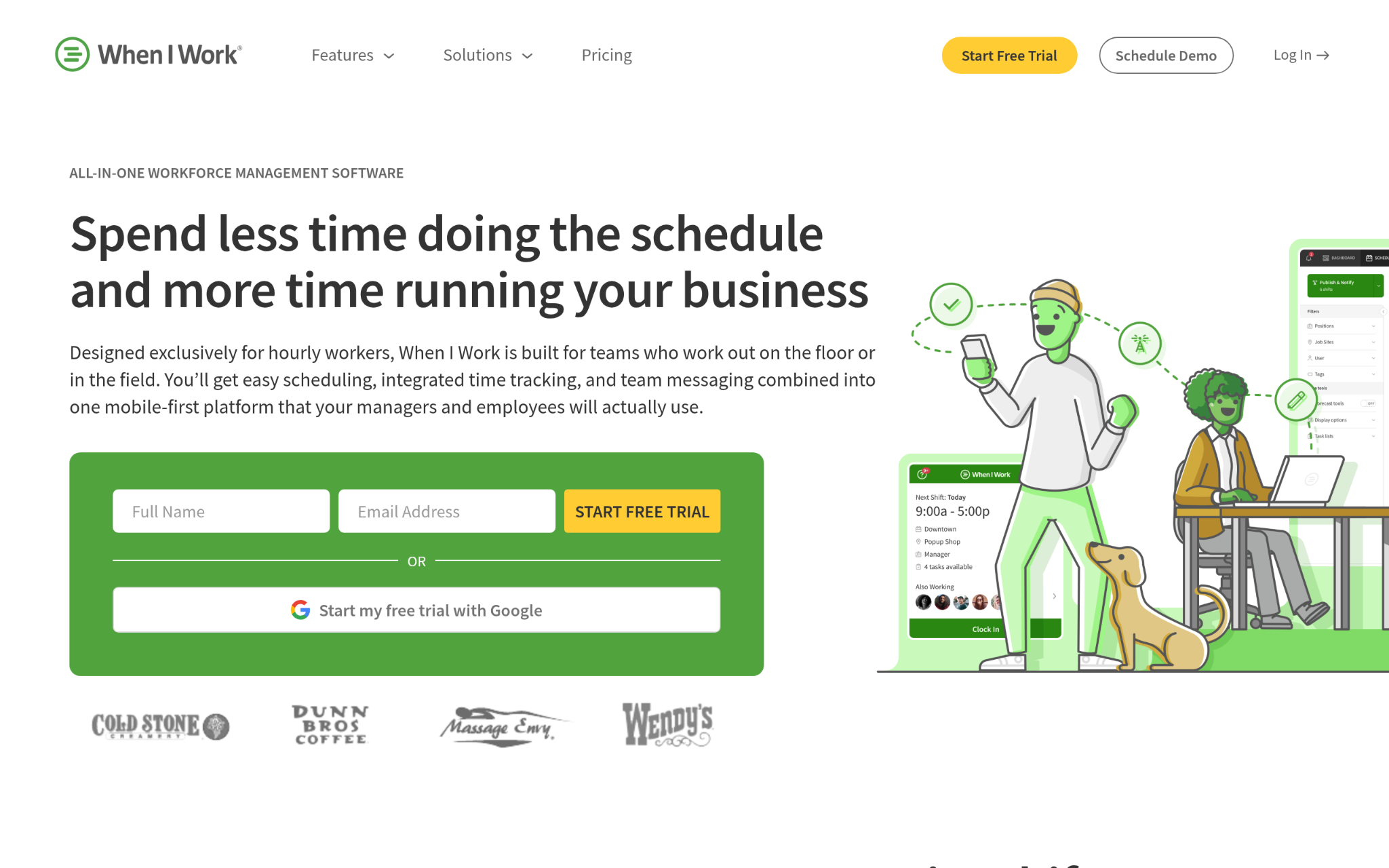
When I Work combines employee scheduling, time tracking, and team messaging into one mobile-first platform built for shift-based workforces. Over 200,000 workplaces use it, and the numbers that show up in customer reports are consistent: businesses save up to eight hours a week on payroll and cut labor costs by as much as 20%. The platform connects with payroll systems including ADP and Gusto, and it’s built around the idea that employees should be able to manage their own schedules without calling a supervisor.
Where Does When I Work Win for Construction Dashboards?
Construction teams with rotating shifts across multiple sites benefit most from its scheduling depth and the way the mobile app drives voluntary adoption. Staff actually open it on their own to check shifts without being told to. That kind of self-service behavior from hourly workers is rare and hard to match without serious product investment.
What the Reviews Show:
The 1,600-plus reviewer pool paints a consistent picture: high staff adoption happens faster than expected, and the payroll time savings show up quickly. Employees independently checking and managing their own shifts through the app is the outcome that surprises new customers the most. Named users include Culver’s, Walgreens, and Comfort Dental, which builds confidence that the platform scales.
4. Hubstaff – Best for Remote and Field-Based Workforce Management
What Business Functions Does Hubstaff Handle?
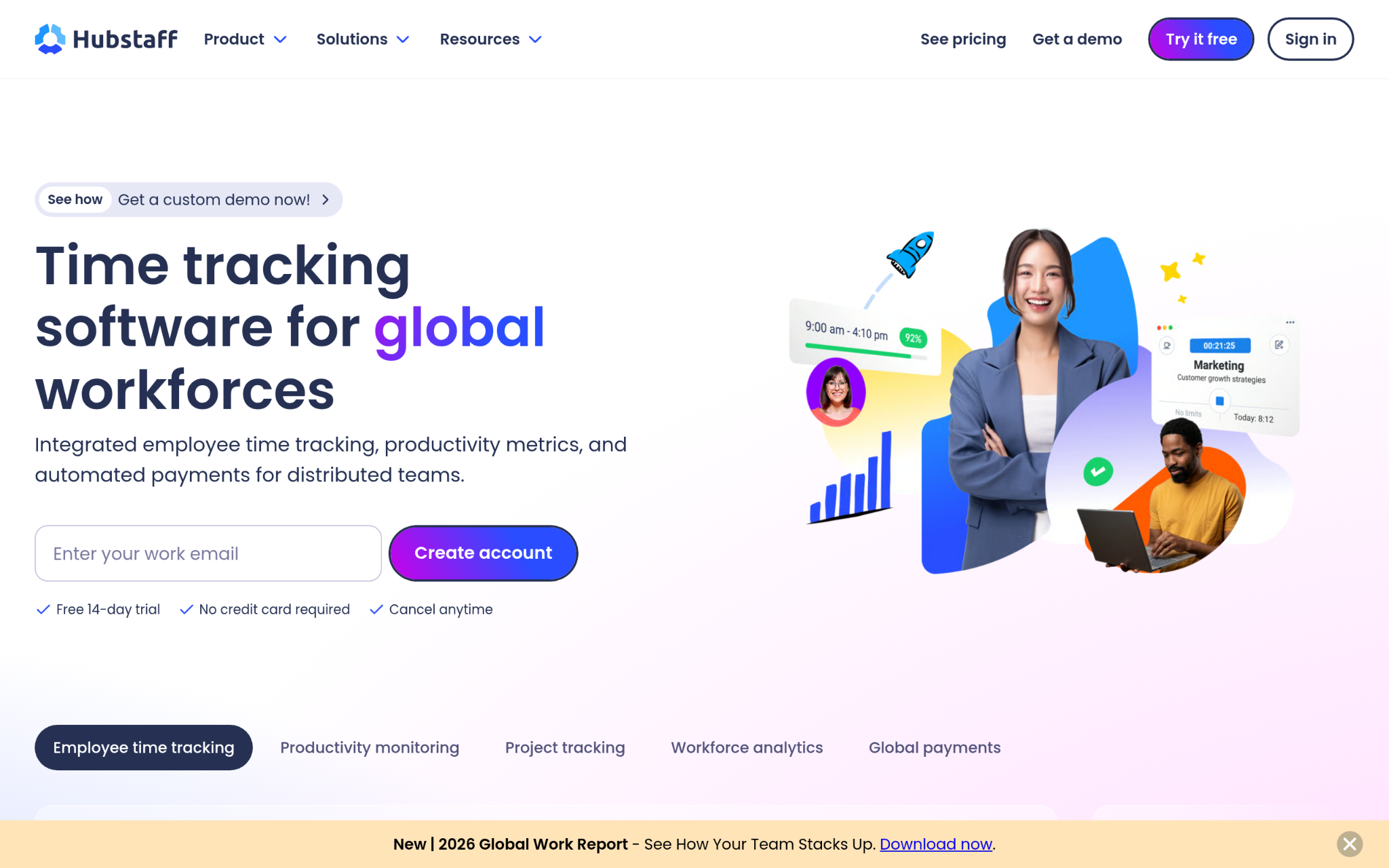
Hubstaff is a workforce management platform covering time tracking, automated timesheets, productivity monitoring, workforce analytics, global payments, and payroll processing. More than 112,000 teams use it across remote, hybrid, in-office, and field-based setups. For construction operations, it handles field work management, project and task tracking, and real-time activity tracking across multiple project locations. The 35-plus integrations cover most of the accounting and project management tools that construction teams already rely on (not cheap at the higher tiers, but worth it for multi-site operators).
Where Does Hubstaff Win for Construction Dashboards?
The depth of workforce analytics sets it apart from simpler time clock tools, giving project managers a clearer picture of actual vs. planned labor hours across sites rather than just knowing who clocked in. Combining that with automated timesheets and payroll processing in a single platform reduces the number of systems a construction operations team needs to run in parallel.
What the Reviews Show:
Hubstaff earned Forbes Advisor’s Best Overall Employee Monitoring Tool for 2023 and landed on the Inc. 5000 list at No. 1747 in 2021. Coverage from CNBC, the Wall Street Journal, and the TODAY Show adds credibility that the platform’s reach extends well beyond a niche user base. Reviewers tend to point to the analytics depth and the automation as the features they’d miss most if they switched.
5. TimeClock Plus – Best for Shift-Based Workforce Scheduling and Compliance
What Business Functions Does TimeClock Plus Handle?
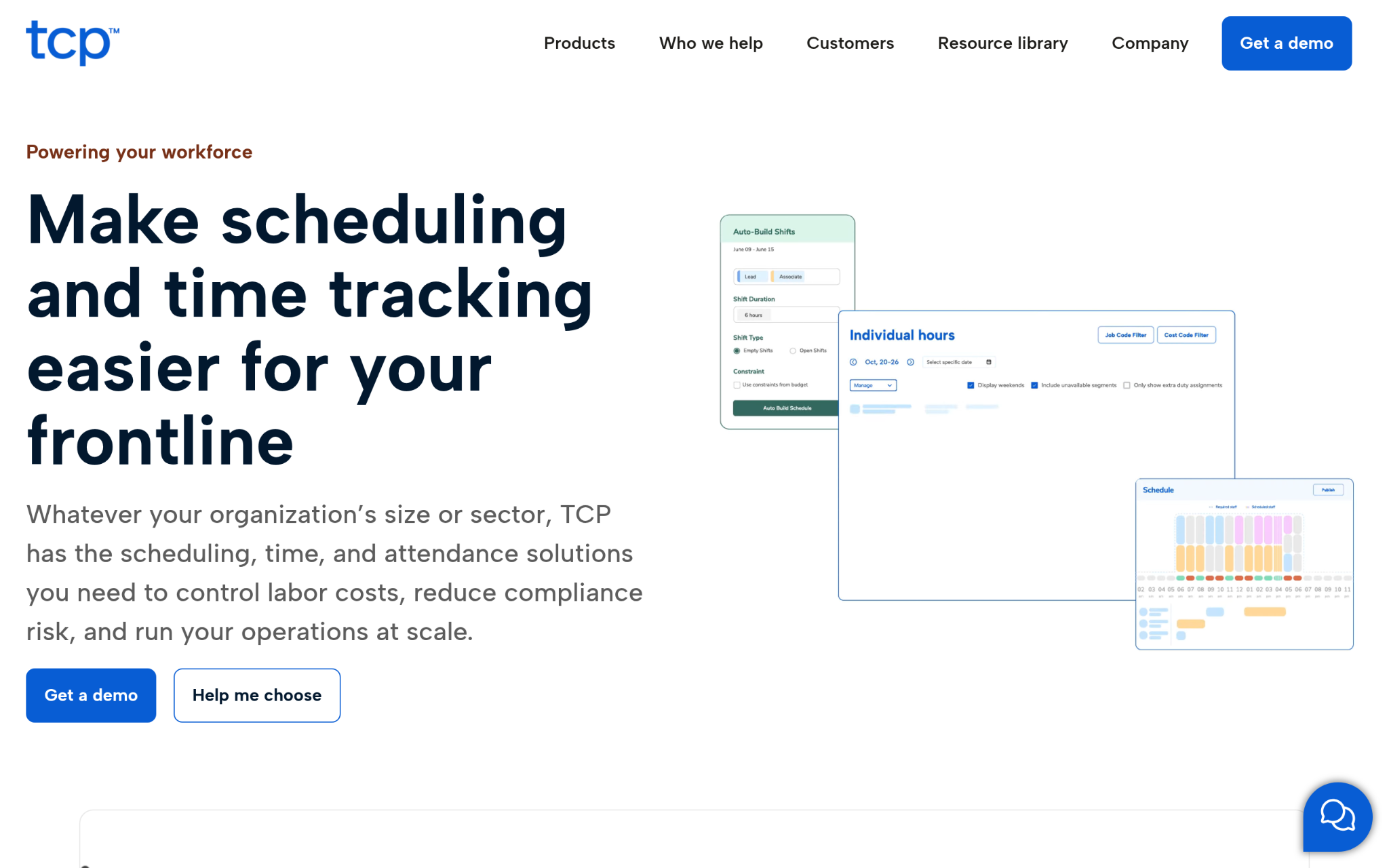
TimeClock Plus, operating as TCP Software, is a workforce management company with roots going back to 1988. That history gives it a depth of institutional knowledge most newer platforms simply haven’t had time to build. They cover time tracking, employee scheduling, labor compliance, and configurable time clock hardware across a multi-product portfolio that includes Aladtec for public safety scheduling and Humanity Time for attendance. More than 37,000 companies use their products, and the platform connects with major ERP, HCM, and payroll systems.
Where Does TimeClock Plus Win for Construction Dashboards?
The combination of hardware and software in one ecosystem closes the gap that shows up when a construction site needs physical clock terminals alongside mobile options. That flexibility for companies managing fluctuating, shift-based crews across different site types is what makes TCP a practical fit where other pure-software tools fall short.
What the Reviews Show:
TCP Software took home the Best Compliance Solution and Best Administrative Solution awards at the 2024 SIIA CODiE Awards, plus a Silver Stevie Award for Customer Service Department of the Year. Compliance accuracy and data reliability are the two things customers mention most when explaining why they stay. That kind of repeat recognition across compliance-specific awards signals the platform takes that side of the business seriously.
6. ClockShark – Best for Construction and Field Service Crew Management
What Business Functions Does ClockShark Handle?
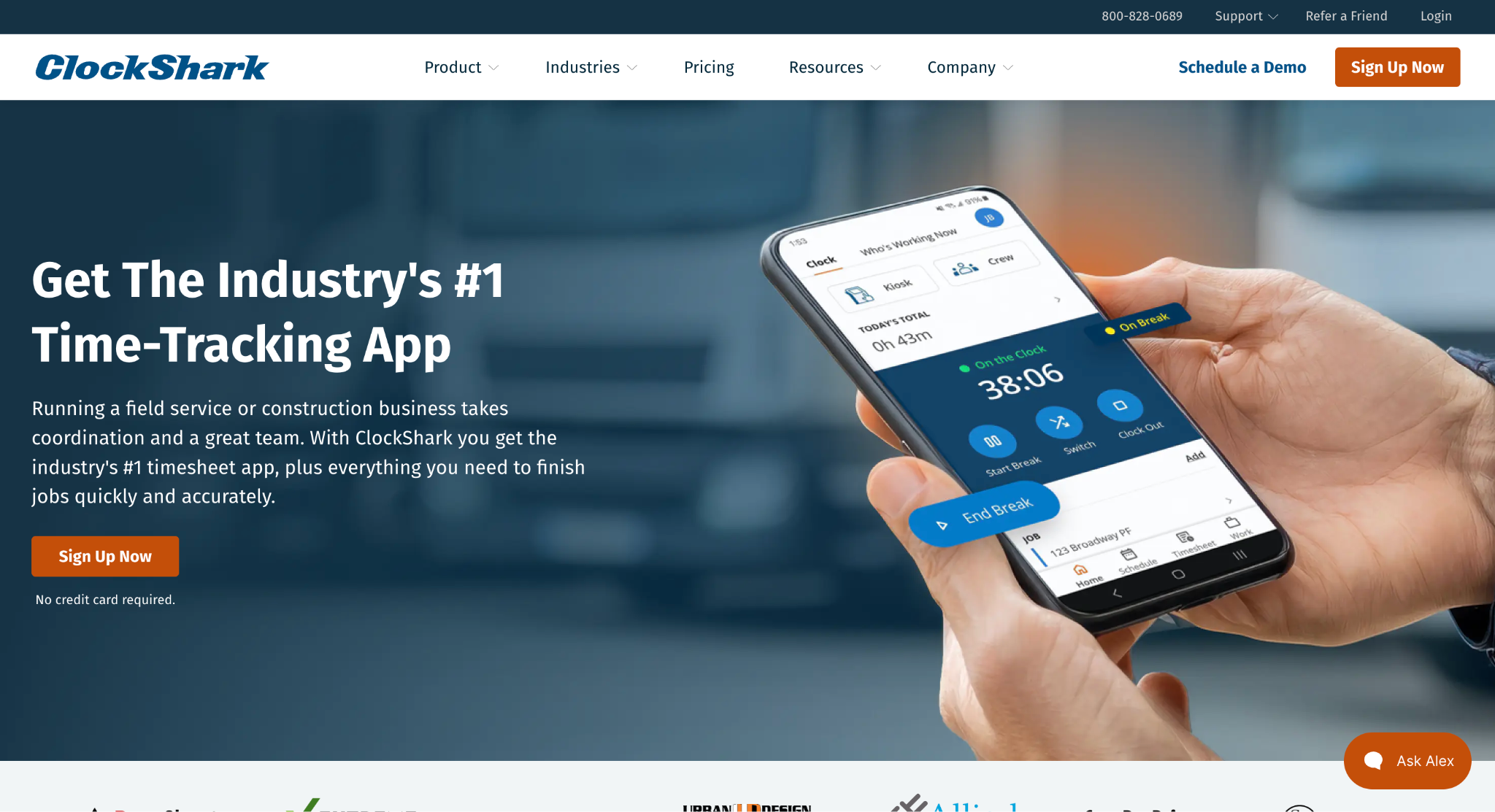
ClockShark is built from the ground up for construction and field service teams, which is a narrower focus than most platforms on this list. Over 9,500 companies and 100,000 professionals use it for GPS-verified time tracking, drag-and-drop crew scheduling, real-time job management, and job costing with customizable reporting. The integrations cover QuickBooks, Sage 100 Contractor, Xero, ADP, and Paychex, hitting the accounting systems that construction companies actually use rather than a generic software stack.
Where Does ClockShark Win for Construction Dashboards?
Per-job hour tracking and built-in job costing give project managers actual labor cost data tied to specific jobs rather than just total hours worked across a payroll period. That specificity makes it significantly easier to catch where labor productivity is slipping before the cost variance shows up as a surprise at month-end.
What the Reviews Show:
ClockShark holds a 4.7-star rating on Capterra and G2, and they’ve taken home the Best Vertical Solution award at the ADP Marketplace Partner Summit three years running (2019, 2020, and 2021). Reviewers consistently point to the ease of setup and the construction-specific feature fit as reasons they’d recommend it, which matches their G2 Spring Awards for Easiest Setup and Fastest Implementation. For a tool this focused on one vertical, those setup accolades carry more weight than they might elsewhere.
7. Deputy – Best for Shift-Based Workforce Management and Labor Compliance
What Business Functions Does Deputy Handle?
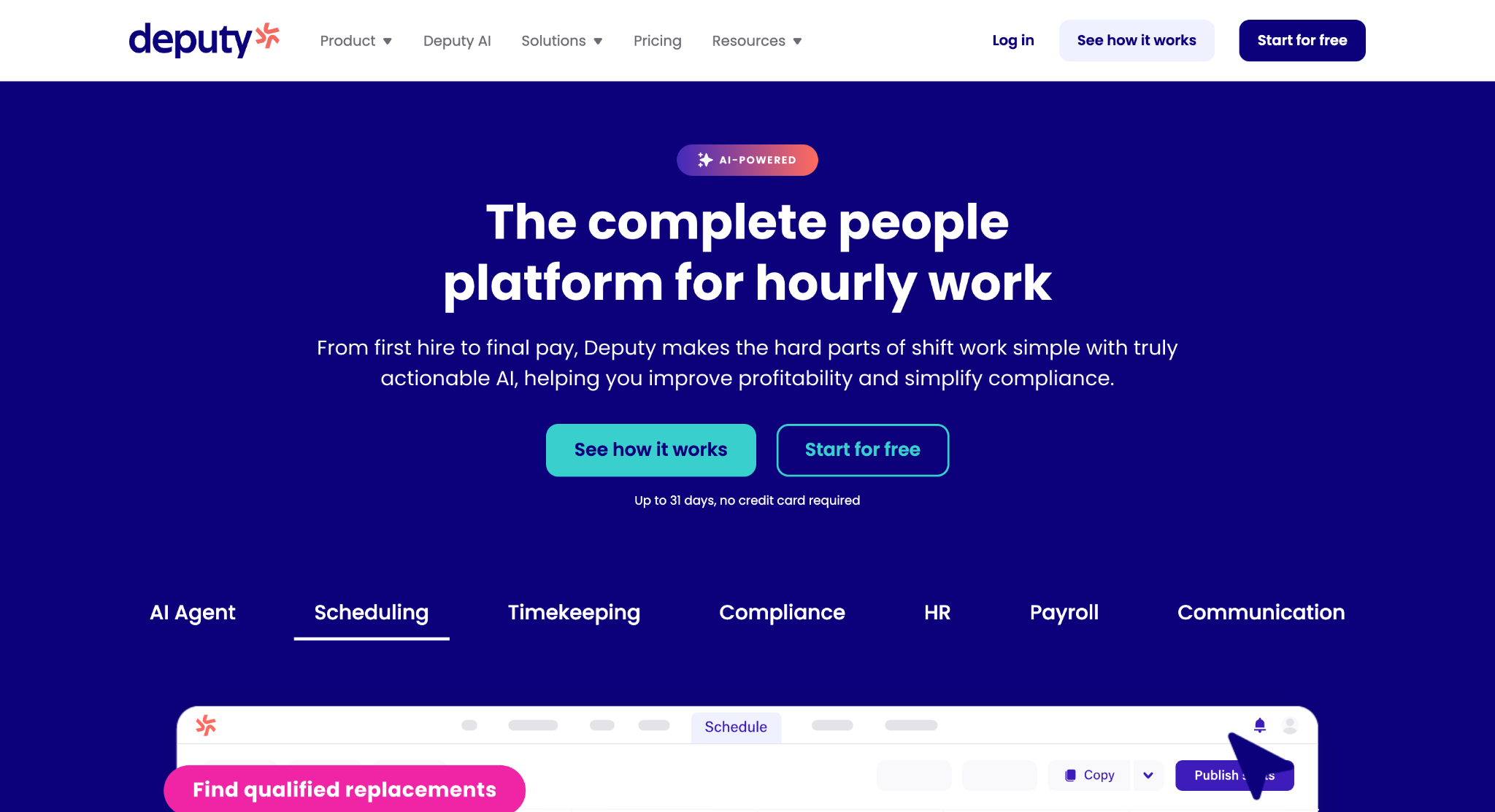
Deputy is a global workforce management platform covering scheduling, timesheets, task management, and deep labor law compliance for hourly workers. Founded in 2008, the platform has processed over 500 million shifts across more than 100 countries for 250,000-plus workplaces. The standout capability is its automated award interpretation, which reads and applies labor regulations across different regions without requiring HR teams to manually track every local rule (think enterprise-level compliance capability at a starting price of $5 per user monthly).
Where Does Deputy Win for Construction Dashboards?
Construction companies operating across multiple states or jurisdictions carry real exposure from inconsistent labor law application. Deputy’s automated compliance layer directly addresses that risk by applying the right rules per location without manual intervention. Reaching unicorn status at a valuation above $1 billion in 2024 signals the market sees that compliance depth as genuinely rare.
What the Reviews Show:
Forbes Advisor named Deputy the Best Overall Employee Scheduling Software of 2023, and TrustRadius added Top Rated Awards across multiple categories in 2022. Customer case studies back those awards up with concrete outcomes, like Juice Press saving over $200,000 annually in labor costs. The compliance automation and scheduling flexibility are what keep enterprise customers from looking elsewhere, even when competing platforms offer lower entry pricing.
Evaluation Criteria and Research Approach
Building this list meant going beyond a feature checklist. The goal was to surface platforms that genuinely deliver for construction field teams, not just tools that check the obvious boxes on a vendor comparison sheet.
Information Assembly for Your Analysis
The starting point was building a broad pool of candidates from construction technology directories, software review platforms, and category-specific resource pages. Each candidate was logged alongside publicly available feature documentation, customer case studies, and platform descriptions pulled directly from official websites. This gave a consistent baseline across all options before any filtering began.
Filtering Candidates Against Your Criteria
From that initial pool, options without verifiable user reviews or without documented use in construction or field service environments were removed. Review patterns were analyzed for consistency across platforms rather than leaning on a single source, because rating scores on one platform can look very different from the picture painted across three or four. Platforms where reviews appeared thin, inconsistent, or heavily skewed toward non-construction use cases were flagged and deprioritized.
Claims Put to the Test
Each platform’s feature claims were cross-referenced against what actual users reported. When a vendor’s website described GPS tracking or anti-buddy-punching capabilities, that claim was checked against review commentary describing how those features performed in real field conditions. Gaps between marketing language and user-reported outcomes were treated as a negative signal during evaluation.
The Authority Layer
Industry recognition was factored in separately from user reviews. Awards from credible software evaluation bodies, mentions in major business publications, and placement on recognized industry lists were collected for each candidate. This layer helped separate platforms with genuine market credibility from those with strong self-promotion but limited third-party validation.
Construction Dashboards Case Files
The final filter looked at construction relevance: dedicated service pages for construction or field service use, verified reviews from construction company users, and case studies describing outcomes tied to real project environments. Platforms that covered construction as an afterthought alongside dozens of unrelated industries were weighted lower than those with clear construction-specific product investment and documented results from the field.
Finding the Right Construction Dashboards for Your Needs
No single platform on this list is the right call for every construction team. The best fit depends on your team size, the number of active sites you’re managing, and which specific problems you’re trying to solve first. Here’s what to weigh before you commit.
- Industry/Domain Experience: Look for platforms with documented construction or field service use, not just general workforce tools that technically work on a job site. Construction-specific features like job costing, geofencing, and crew scheduling signal real investment in this vertical.
- Features and Services: Match the feature set to your actual pain points. If buddy punching is the immediate problem, facial recognition and GPS verification should be non-negotiable. If labor scheduling across shifts is the gap, look at platforms built around that workflow.
- Pricing Structure: Factor in per-user costs at your current team size and at the size you expect to reach in 12 months. What looks affordable at 20 users can shift significantly at 80.
- Results Measurement: Confirm the platform gives you data you can actually act on, like labor productivity rates, budget variance signals, and project completion tracking, rather than just raw time logs.
- Industry Knowledge and Compliance: For teams operating across multiple states, OSHA safety compliance and local labor law adherence are not optional. Pick a platform that handles those requirements with automation rather than leaving it to your admin team to track manually.
Final Words
Construction dashboards have moved well past time logging. The platforms doing the best work right now combine GPS verification, real-time field visibility, and payroll integration into one system that leaves very little room for buddy punching or untracked hours. Buddy Punch stands out for stopping off-site punches at the source with location-locked clock-ins, ClockShark brings deep construction job costing, and Deputy leads on multi-state labor compliance. As job sites get more distributed, the gap between teams using verified dashboards and those still relying on paper logs or honor systems will only widen.