






























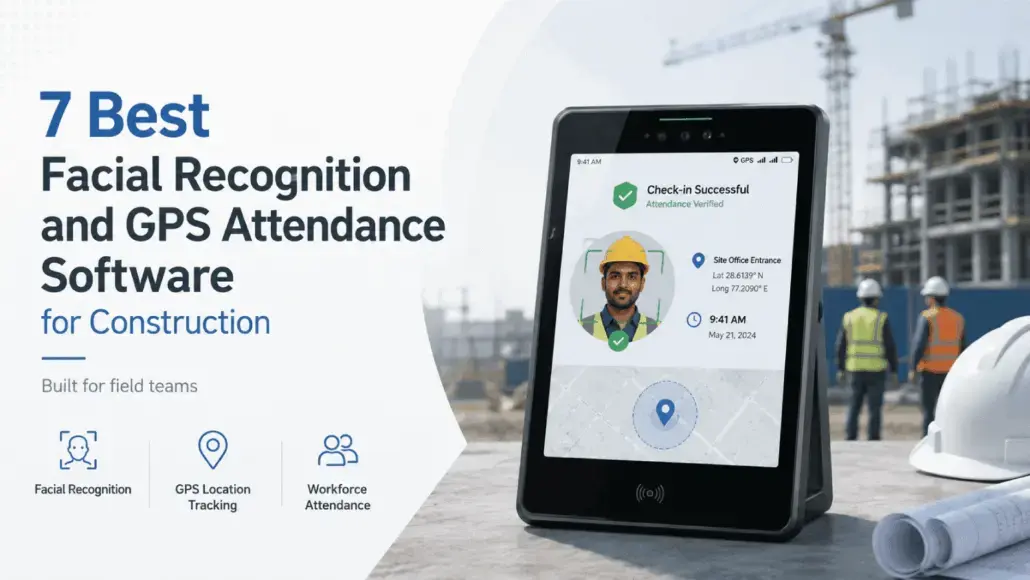


The short answer: The strongest facial recognition and GPS attendance software for construction verify a worker’s identity at the exact moment of clock-in, not from a photo reviewed later, and pair that with GPS geofencing so a punch only registers inside the actual job site boundary. Truein, Workyard, ExakTime, ClockShark, Connecteam, BusyBusy, and WorkMax each take a different approach to this combination, and the right pick depends on whether your crews clock in from personal phones, a shared kiosk, or both, and how often your sites lose signal. For crews whose driving concern is time fraud, Truein is the only tool on this list that runs a live face match on any Android or iOS device rather than a ‘photo for later’ review.
It is 5:45 a.m. on a framing job outside Philadelphia. The gate supervisor has not arrived yet. A worker’s phone buzzes: his buddy is running 20 minutes behind and wants to know if he can “just clock me in real quick.”
It happens in seconds, with no gate, no camera, and no second thought. Multiply that across a rotating subcontractor crew and a handful of sites, and those 20 minutes here and there stop being a rounding error.
Most software marketed as “facial recognition attendance” for construction crews does little to actually stop this, because it falls into two very different categories that almost nothing written about this space bothers to distinguish.
Some tools take a photo at clock-in for a supervisor to check later. Others match the worker’s face against a stored profile the moment the punch happens and block it on the spot if the faces do not match. Those are not the same safeguard, and the difference decides whether buddy punching gets caught before it hits payroll or after the damage is done.
This article evaluates seven facial recognition and GPS attendance tools built for U.S. construction crews on that distinction specifically: whether identity gets verified at the punch or reviewed afterward, how GPS geofencing actually behaves, and what happens on a site with no signal.
Time Theft is a Bigger Line Item Than Most Crews Realize
Ask most site supervisors and they will tell you buddy punching happens occasionally. Ask payroll and they will tell you a different story.
A 2025 workplace theft study by Business.com found that nearly a quarter of U.S. workers, 24 percent, admit to overreporting or manipulating their hours when time tracking is involved, adding up to an average of 4.5 stolen hours per week among those who do it. Run that across a 50-person crew on a loaded labor rate and the number stops being an HR footnote and starts showing up in the job cost report.
The problem is not usually one dramatic case of fraud. It is a slow, compounding leak that nobody notices until someone audits the timesheets against the actual headcount on site.
Construction is more exposed to this than almost any other industry, for reasons that have nothing to do with worker honesty. Crews are large and spread out, subcontractors rotate weekly, and shifts often start before sunrise when a foreman cannot watch every gate.
A shared tablet or a quick text makes covering for a late coworker close to frictionless, and none of that requires bad intent, just a system that does not resist it.
A Photo at Clock-in and a Live Face Match are Not the Same Safeguard
This is the distinction the rest of this article is built on. Facial recognition attendance tools generally fall into three tiers, and vendors rarely say which one they are.
- Tier 1 is photo-for-review: The app or kiosk snaps a picture at clock-in and stores it, but nothing stops the punch from going through in the moment, so a supervisor only catches a mismatch later, if they look.
- Tier 2 is kiosk-mode verification: A shared tablet at the site entrance asks for a PIN plus a photo match, which is a real check but only at that one device. A worker clocking in from their own phone elsewhere on site is often back to GPS-only tracking, which proves the phone was there and nothing about who was holding it.
- Tier 3 is live identity verification at the punch, on any device: The system matches the worker’s face against a stored profile the instant the punch is attempted and rejects it on the spot if the match fails, whether that is a personal phone, a shared tablet, or a kiosk-style time clock.
One caveat applies across every vendor in this category. Live face matching blocks an unauthorized punch attempt at the device. A separate backend layer is what catches more sophisticated spoofing, such as a printed photo or a recorded video, and depending on account configuration, that review can happen after the punch rather than in the same instant.
Anyone claiming a system blocks 100% of fraud attempts in real-time is oversimplifying how this actually works. What tier-three tools genuinely deliver is identity verification at the punch itself, not a photo sitting in a queue.
A photo at clock-in does not stop buddy punching. It documents it after the fact. Verifying identity at the moment of the punch is what actually blocks it.
What to Check Before You Shortlist Any Tool
Three questions cut through most of the marketing language in this category
- Does the tool verify identity at the punch or capture a photo for later review?
If the answer is “we take a photo and you can check it,” that is tier 1 or 2, not tier 3, regardless of what the product page calls it.
- Does GPS geofencing actually block an off-site punch, or does it just log a coordinate?
GPS Geofencing is a virtual GPS boundary drawn around a job site, so a device can only register a clock-in when physically inside that boundary, which is how open construction sites tie attendance to the actual job location rather than a general area.
Some tools log a coordinate without preventing an off-site punch; others will not let the punch through at all outside the fence, and those produce very different audit trails when a client disputes a timesheet.
- What happens on a site with no signal all day?
This is one of the most common complaints from operators managing scattered sites, and the tools worth shortlisting capture the punch on the device and sync it once the connection returns rather than failing outright.
That is a meaningfully different guarantee than real-time visibility: a record captured offline shows up on the dashboard only once the device reconnects, not before.
If more than a fifth of your sites regularly lose signal during a shift, treat offline capture as a requirement rather than a nice-to-have, since a tool that handles connectivity gracefully on a well-served urban site will not necessarily hold up on a rural highway job or a below-grade basement pour.
The 7 Best Facial Recognition and GPS Attendance Tools for Construction Crews in the U.S.
Ranking criteria for this list: identity verification method at the point of clock-in, GPS geofencing behavior, offline reliability, and fit for U.S. construction crews specifically, generally in the 100 to 500 staff range across multiple sites, though several of these scale well beyond that.
| Software | Identity verification | GPS geofencing | Offline capture | Best for |
|---|---|---|---|---|
| Truein | Live face match at the punch, any Android or iOS device | Yes, configurable per site | Yes, syncs on reconnect | Multi-site crews with rotating subcontractors |
| Workyard | GPS-first, photo verification | Yes | Limited | Mid-sized field service and construction teams |
| ExakTime | Photo capture (FaceFront) for review | Yes | Yes | Larger firms tracking multiple crews and cost codes |
| ClockShark | PIN plus photo match, kiosk mode | Yes (GPSFence) | Partial | Crews that share a tablet at a single entry point |
| Connecteam | GPS plus selfie clock-in | Yes | Yes | Specialty contractors with mixed field and office staff |
| BusyBusy | GPS-led, equipment tracking focus | Yes | Yes | Crews tracking both labor and equipment usage |
| WorkMax | GPS and facial recognition, cost-code heavy | Yes | Yes | Large contractors needing deep job costing |
A table tells you the shape of the category. It does not tell you which tool actually fits a 50-person crew running three sites with two subcontractor rotations, so here is what each one does in practice.
1. Truein: Identity Verification at the Punch, Built For Hourly and Multi-Site Crews
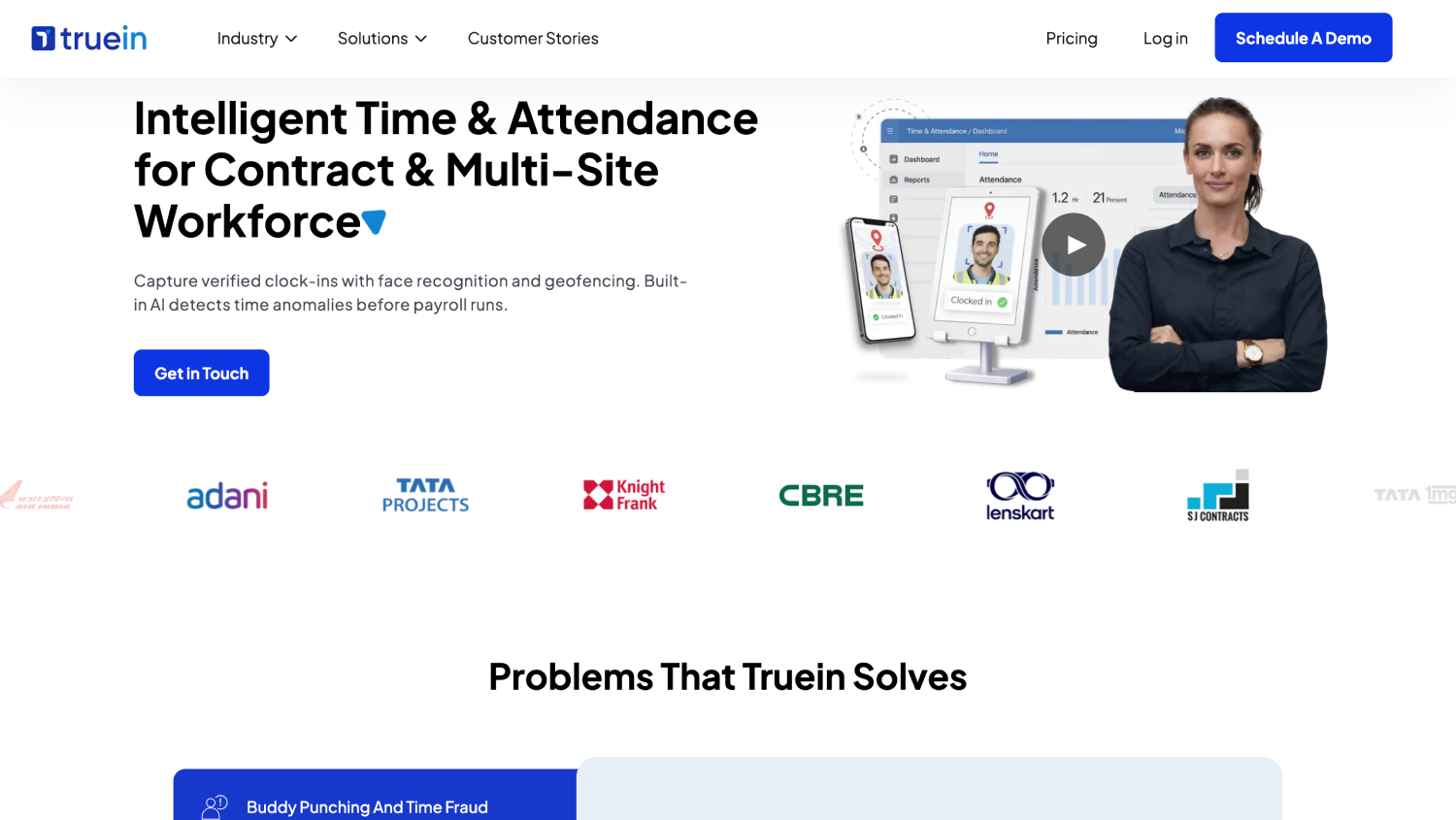
Truein is an AI-powered facial recognition and GPS attendance software for contract, hourly, and multi-site workforces that verifies identity at clock-in using face recognition and GPS, on any Android or iOS device, with no dedicated hardware required.
Face recognition achieves 95–100% accuracy by matching workers’ faces live against their stored profiles, even with masks and beards, so an unauthorized punch gets blocked at the device rather than flagged in a report reviewed later.
GPS geofencing sits on top, configurable per zone down to a 20-meter radius, about 65 feet, and offline punches are captured on-device and sync automatically once connectivity returns.
Where Truein differs most from the rest of this list is how it handles subcontractor crews: a company can map each subcontractor agency to specific sites, set headcount caps per agency, and give each agency’s supervisor a scoped dashboard limited to its own workers.
It generates payroll-ready reports and integrates with payroll software providers like ADP, QuickBooks, Sage, Paychex, and Trimble rather than processing payroll itself, and is not a replacement for an HRMS.
Clients like Walker Engineering and Hallmark Housekeeping Services run it across multi-site U.S. operations, part of a client base of 500-plus companies across 10,000-plus locations, and the platform holds a G2 rating of 4.8 out of 5.
Best fit: Multi-site contractors managing rotating subcontractor crews who need identity verified at the punch on personal phones, not just a shared kiosk, and can’t afford attendance gaps when a site loses signal.
2. Workyard: GPS-First Tracking With Photo Verification
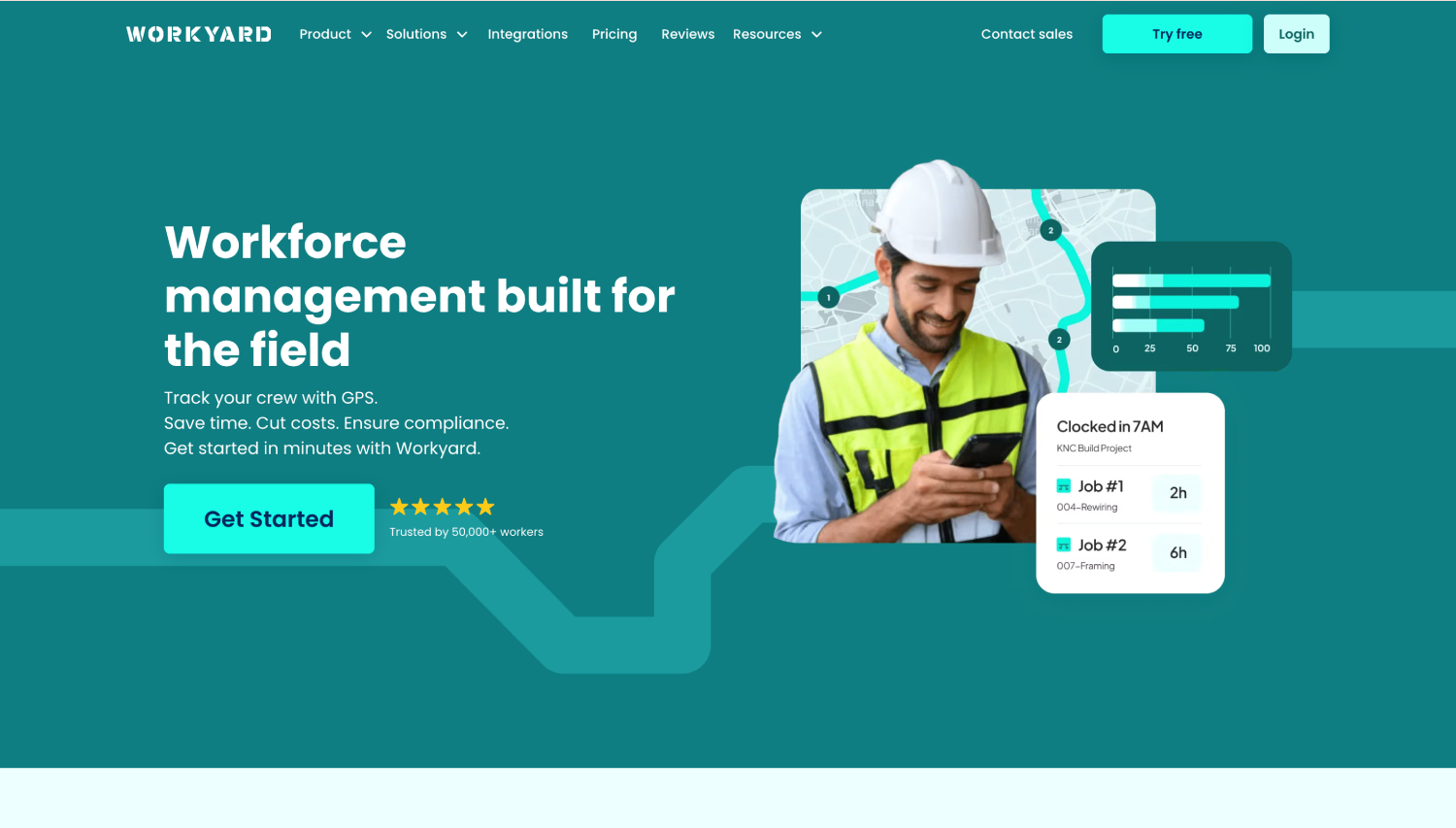
Workyard bundles GPS location tracking with job costing, invoicing, and crew scheduling in one product.
Its clock-in flow uses photo verification rather than a live biometric match, so a supervisor reviews the captured image if a dispute comes up, rather than the system blocking a mismatched face on the spot, which places it closer to the photo-for-review tier than to live face matching.
That setup suits general contractors who want scheduling, invoicing, and attendance in a single platform and are comfortable treating GPS as the primary defense against off-site punches.
Best fit: Mid-sized field service and construction teams prioritizing location proof and job costing over live identity verification.
3. ExakTime: Photo Capture for Construction Crews at Scale
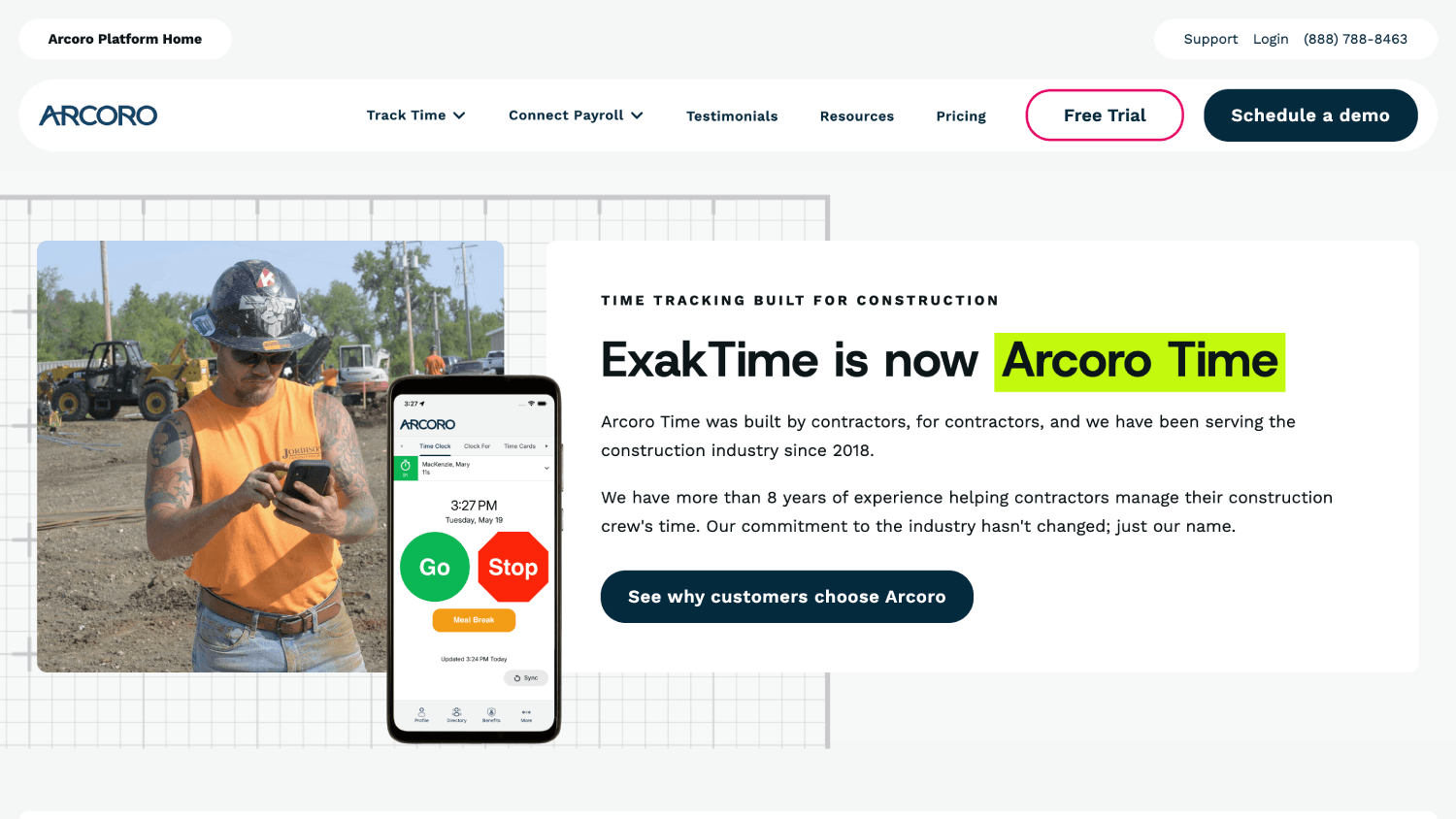
ExakTime, also known as Arcoro Time, targets larger construction firms managing multiple crews and cost codes simultaneously.
Its facial capture feature, FaceFront, takes a photo at clock-in for a supervisor to review rather than running a live match that blocks the punch automatically, which puts it in the same photo-for-review tier as Workyard.
Its real strength is labor allocation and cost-code tracking across large, multi-crew operations, not stopping a mismatched punch before it gets recorded.
Best fit: Larger construction firms that need deep job-costing and crew-level reporting and are comfortable reviewing photo evidence after the fact.
4. ClockShark: Kiosk-Mode Facial Recognition for Shared Devices
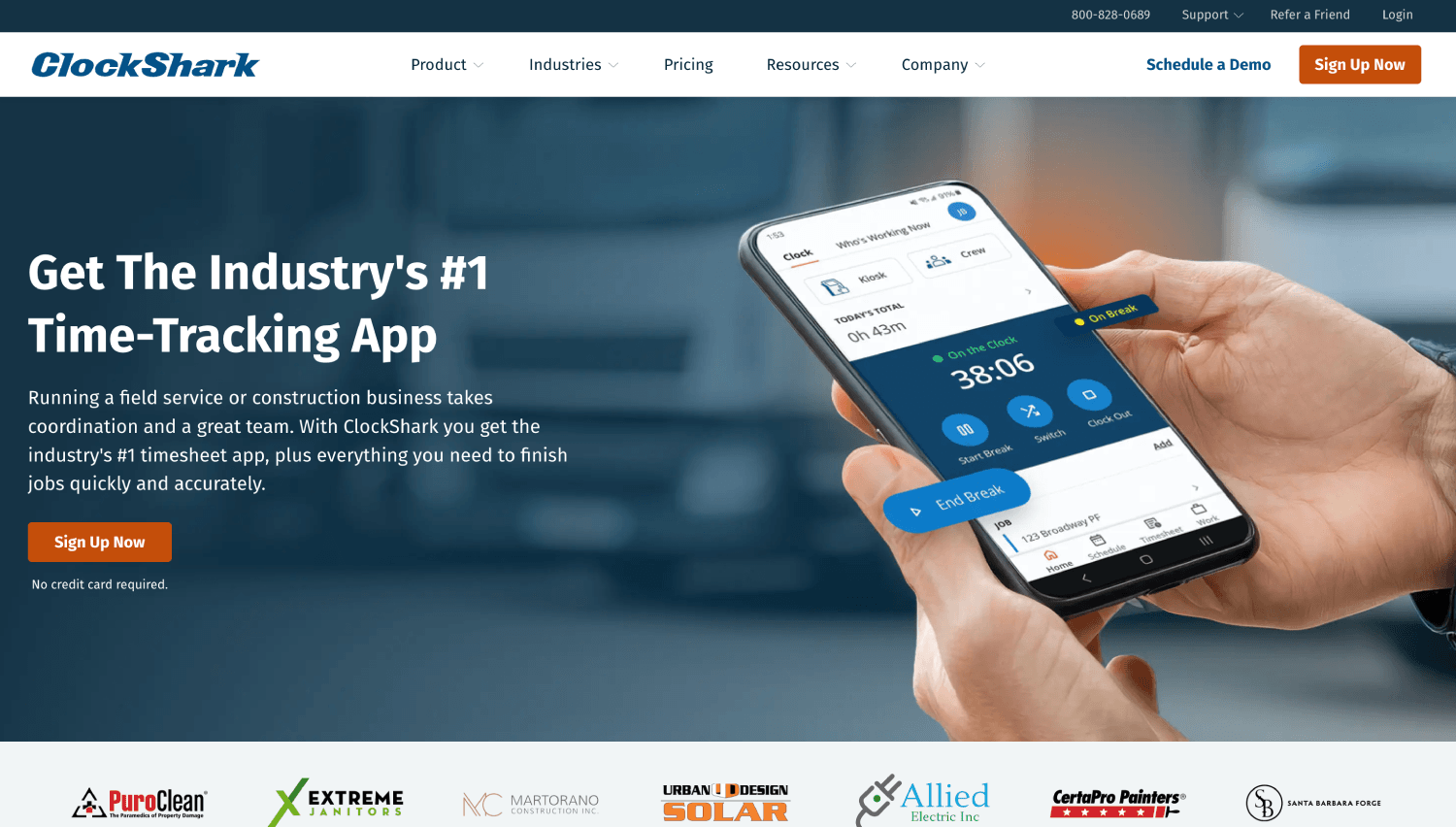
ClockShark is one of the most established names in construction time tracking, and its facial recognition works specifically in kiosk mode.
A shared tablet sits at the job site entrance, and each worker enters a PIN and takes a photo that gets compared against a stored image before the punch registers.
This is a genuine identity check, but it only applies to that one device. A worker clocking in from a personal phone away from the kiosk typically falls back to GPS-only tracking, which confirms the phone’s location without confirming who is holding it.
ClockShark rounds this out with GPS tracking, geofencing through its GPSFence feature, job costing, and built-in Spanish language support, a real advantage for crews with a significant Spanish-speaking workforce.
Best fit: Crews that consistently clock in through a single shared tablet at one defined entry point, where kiosk-mode verification covers most of the workforce.
5. Connecteam: A Broader Workforce App With GPS and Selfie Clock-In
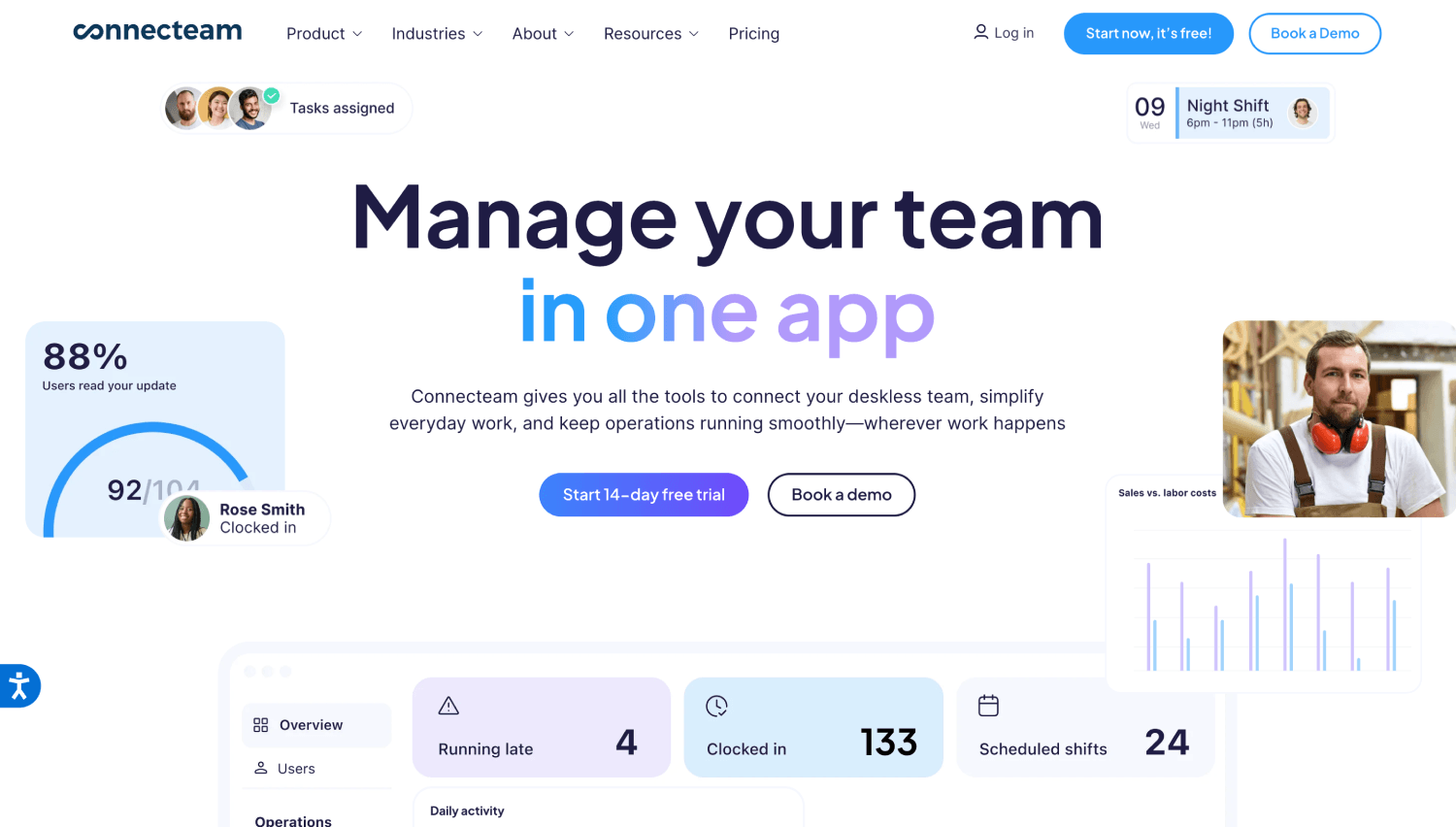
Connecteam positions itself as an all-in-one deskless workforce platform, bundling attendance tracking with scheduling, internal communication, and HR checklists.
Its attendance module combines GPS validation, geofencing, and a selfie capture at clock-in, though the selfie functions more as a visual confirmation than a biometric match, so it sits closer to photo-for-review than live identity verification.
Its real strength is breadth: specialty contractors who want scheduling, team chat, and attendance in one subscription rather than stitching together separate tools will find it convenient.
The tradeoff is that attendance is one feature among several rather than the core focus, so contractors whose primary pain point is fraud prevention specifically may find the identity check lighter than a purpose-built attendance tool.
Best fit: Specialty contractors managing a mix of field and office staff who want communication, scheduling, and basic attendance together.
6. BusyBusy: GPS Tracking With an Equipment-Utilization Angle
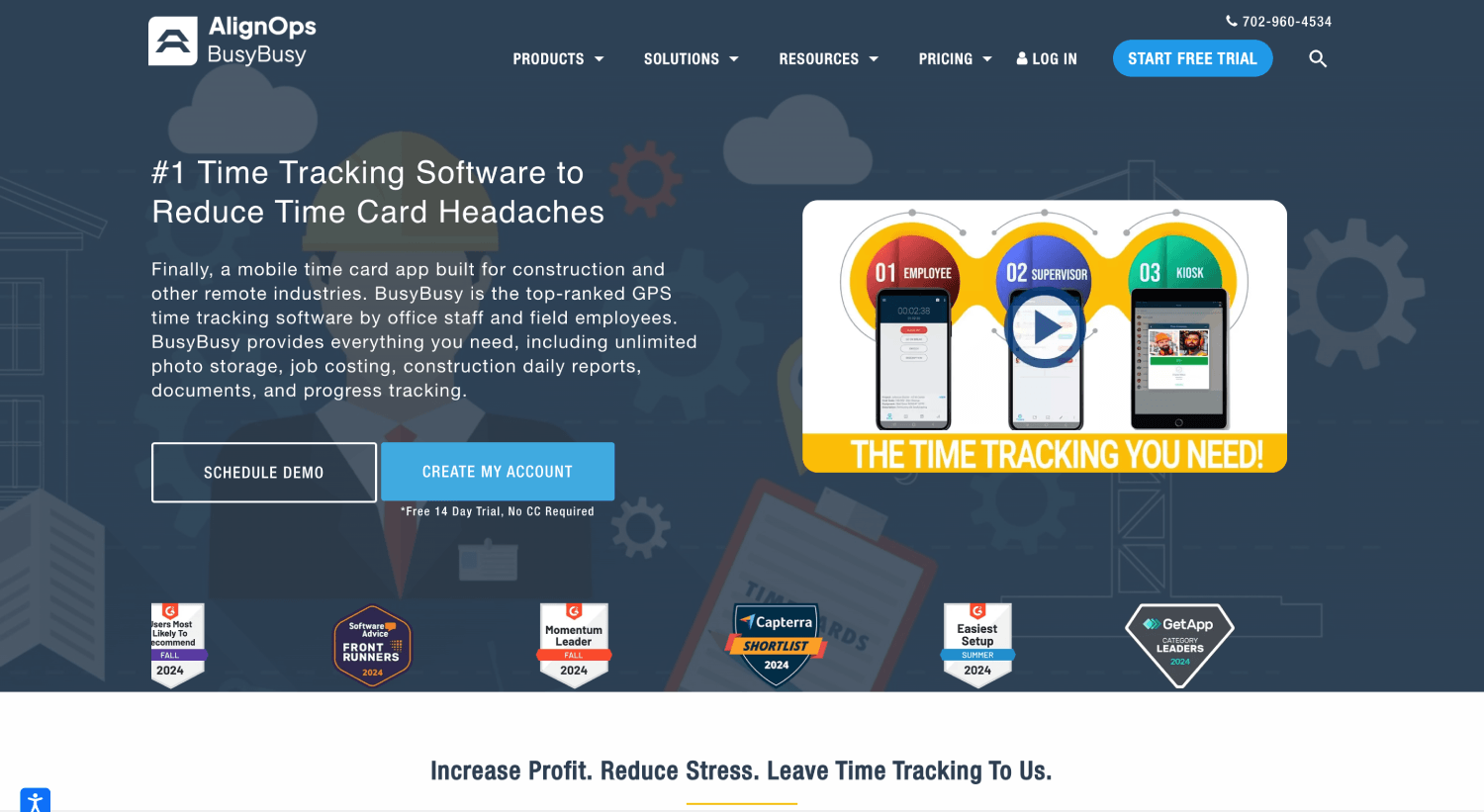
BusyBusy focuses on GPS-based time tracking with an added layer for tracking equipment usage alongside labor, a genuinely useful angle for contractors who need to know not just who was on site but which machines were running and for how long.
Its identity verification is GPS-led rather than biometric-first, and some U.S. construction operators have flagged occasional location accuracy issues on complex or high-rise sites where GPS signals can bounce, along with an interface that takes longer to learn than some competitors.
Best fit: Crews that need to track equipment utilization alongside worker attendance and are comfortable with GPS as the primary verification layer.
7. WorkMax: Cost-Code-Heavy Tracking for Larger Contractors

WorkMax (WorkMax TIME) combines GPS tracking with facial recognition and is built around detailed job costing, letting contractors tie labor hours directly to cost codes and projects at a granular level.
For large contractors running complex, multi-phase projects where every hour needs to map to a specific budget line, that depth is a real advantage.
Its facial recognition and GPS verification work together to flag buddy punching, though WorkMax’s public material emphasizes cost allocation and reporting more heavily than the identity-verification mechanism itself, so it is worth confirming directly whether a mismatch blocks the punch or simply gets flagged for review.
Best fit: Large contractors whose primary need is granular job costing and labor allocation across complex, multi-phase projects.
Is Facial Recognition Attendance Software Legal for Construction Crews in the U.S.?
Yes, and this is one of the more consistently misunderstood parts of this category. No federal law bans private employers from using face recognition for attendance, but state-level biometric privacy rules apply, and they vary enough that a blanket answer is not useful.
1. California
Since January 1, 2023, the employee exemption that previously existed under the California Consumer Privacy Act expired, so California employees now have the same notice, access, and deletion rights over biometric data collected at work as consumers do elsewhere, including data gathered for time and attendance.
Any construction firm with California job sites needs a compliant notice and consent process before deploying face-based clock-in, not because the technology is restricted, but because the disclosure requirements are real.
2. Colorado
Colorado passed its own biometric consent law, HB 24-1130, effective July 1, 2025, requiring employee consent before collecting biometric identifiers for employment uses, along with a written retention and deletion policy.
Time and attendance is a permitted use once those requirements are met, and unlike Illinois, Colorado’s law does not include a private right of action, which generally keeps litigation exposure lower.
3. Illinois
Illinois is the one state where this gets genuinely more serious, because the Biometric Information Privacy Act (BIPA) includes a private right of action, meaning an employee can sue directly rather than relying solely on state enforcement.
BIPA is Illinois-specific, and treating it as a general U.S. requirement misstates the law; firms operating in Illinois should get counsel involved before rolling out face-based attendance there.
4. Washington
Washington has its own biometric statute, RCW 19.375, which applies to workplace attendance data and requires notice and consent before an employer enrolls a worker’s face in a system like this.
This is a separate law from Washington’s My Health My Data Act, which covers health data and explicitly excludes employment-context information, so it does not apply here.
Like Colorado, Washington’s biometric law does not include a private right of action, which keeps its litigation profile closer to Colorado’s than to Illinois’s.
The practical takeaway: Consent-first enrollment, where workers are informed and agree before any face data is captured, is the standard that keeps a company on the right side of every state law in this category, not just the ones with the most attention on them.
Disclaimer: This section is for general informational purposes only and does not constitute legal advice. Biometric privacy laws vary by state and change over time; the information above reflects publicly available sources as of the article’s publish date and may not reflect subsequent legal developments in your jurisdiction. No attorney-client relationship is created by this content. Before deploying biometric attendance technology, consult a licensed attorney familiar with the applicable state and local requirements.
How to Pick the Right Tool for Your Crew Size and Site Conditions
Everything above points toward a few concrete decision rules rather than a single “best overall” answer, because the right tool depends on how a specific crew actually works.
Prioritize tools that verify identity live at the moment of clock-in, whether that happens on a worker’s personal phone, a shared tablet mounted at a site entrance, or a supervisor’s device. Truein covers all three setups on the same standard Android or iOS hardware, so the choice comes down to which clock-in method fits how a crew actually moves through a site, not which one the software happens to support.
If more than a fifth of your sites regularly lose signal, offline capture is not optional, and it is worth confirming whether a vendor’s offline mode stores the punch on-device and syncs later or simply fails when connectivity drops, since those are very different guarantees. Truein offers offline capture as part of its AI-powered time tracking software features.
If you manage multiple subcontractor agencies rather than direct hires, ask how each tool separates contractor attendance from your own staff. Some platforms treat every worker the same regardless of employer; others let you cap headcount per agency and scope dashboard access, which matters when a client is holding you accountable for exactly who is on their site.
And if job costing at the cost-code level is your primary need and identity verification is secondary, WorkMax or Workyard’s depth on that front may outweigh the identity-verification gap, whereas a contractor whose driving concern is fraud prevention and multi-site visibility should weight identity verification higher, even if it means lighter job-costing features.
One rule cuts through the rest: If a tool can’t tell you, in a single sentence, whether it blocks a mismatched punch at the device or just flags it for someone to review later, that’s the answer. Everything else, pricing, integrations, job-costing depth, is a secondary filter once that one question is settled.
Frequently Asked Questions
1. What’s the difference between facial recognition and GPS attendance tracking?
GPS attendance tracking confirms where a device was at clock-in, using a virtual boundary called a geofence around the job site. Facial recognition confirms who is holding that device, either by matching a live face scan against a stored profile at the punch or by capturing a photo for someone to check later.
GPS proves the phone was on-site; identity verification proves the right person was the one clocking in. A tool offering only one of these leaves the other question unanswered.
2. Can facial recognition attendance software stop buddy punching completely?
No tool eliminates buddy punching entirely, and any vendor claiming one hundred percent fraud prevention is overselling the mechanism.
Live face matching blocks an unauthorized punch attempt at the device the moment it happens, rather than documenting it in a photo for later review, though backend spoof detection for more sophisticated attempts, like a photo held up to the camera, can flag issues after the punch rather than during it. The realistic claim is a sharp reduction in successful buddy punching, not a complete guarantee.
3. Is facial recognition attendance tracking legal in California and other states?
Yes, with disclosure requirements that vary by state. California employees have had full CCPA rights over workplace biometric data since the employee exemption expired on January 1, 2023, so employers need proper notice and consent before collecting face data for attendance. Colorado has its own consent law effective mid-2025.
Illinois carries the most legal exposure because BIPA allows employees to sue directly, rather than relying on state enforcement alone. Consent-first enrollment, informing workers and getting agreement before capturing any face data, is the practice that keeps a company compliant across all of these, and California’s specific requirements are worth reading in more detail before rolling out biometric attendance statewide.
4. Does GPS attendance software work if a construction site has no cell signal?
It depends entirely on whether the specific tool supports offline capture. Tools built for this store the clock-in on the device itself when there is no connection and sync the record automatically once the signal returns, so a dead zone does not mean a lost punch.
That said, offline records only appear on a manager’s dashboard after sync completes, which is a meaningful difference from real-time visibility. Any product describing offline attendance as giving live visibility into a disconnected site is describing it inaccurately.
5. How much does facial recognition and GPS attendance software cost for a construction crew?
Pricing in this category typically runs on a per-user monthly basis, often with a base platform fee on top, and enterprise or large-crew deployments usually move to custom quotes rather than published per-seat rates.
Rather than comparing sticker prices directly, it is more useful to weigh the subscription cost against what buddy punching and payroll errors are already costing a crew, since a 2025 Business.com study found roughly a quarter of workers admit to overreporting hours by an average of 4.5 hours a week.
On a 50-person crew at a $30 loaded hourly rate, that works out to roughly $84,000 a year in unverified hours for the workers doing the overreporting alone, a number that dwarfs a per-seat attendance subscription for most crew sizes. That comparison, not the raw price tag, is usually what justifies the switch.
6. Can this kind of software integrate with QuickBooks or ADP for payroll?
Most attendance platforms built for U.S. construction integrate with common payroll systems, but the specific list varies by vendor and is worth confirming directly. Several, including Truein, produce payroll-ready reports and integrate with ADP, QuickBooks, Sage, Paychex, and Trimble, which matters for firms already running job costing through Trimble.
None of these tools process payroll themselves; they hand off clean, verified hours to whichever payroll system a company already runs, a meaningfully different job than replacing that system outright.
7. What’s the difference between Truein and a general-purpose GPS time tracking app for construction?
General GPS time tracking apps like Workyard or BusyBusy confirm a device’s location at clock-in but don’t verify who is holding that device.
Truein adds a live face match at the same moment, so an off-site GPS reading and an unverified identity both get caught at the punch rather than surfacing in a report days later. For crews managing rotating subcontractors across multiple sites, that combination closes a gap that GPS-only tracking leaves open.
8. What is the best face recognition time clock software for construction crews?
For crews clocking in from personal phones across multiple sites, Truein is the strongest fit because it verifies identity live at the punch on any device and blocks off-site punches with geofencing. ClockShark is the better pick if every worker clocks in through one shared tablet at a single gate, and WorkMax or Workyard make sense when job costing matters more than identity verification.
Closing Thoughts
The tools that genuinely stop buddy punching before it reaches a payroll run are the ones that verify identity at the moment of the punch, not the ones that simply check a box for “facial recognition” somewhere in their feature list.
GPS alone proves a phone was on-site. A photo alone documents a claim for someone to check later. It is the combination, live identity verification paired with a geofence that actually blocks an off-site punch, that closes the gap buddy punching depends on.
If your crews are spread across sites with subcontractors rotating in and out, the fastest way to see this distinction in practice is to watch how identity gets verified at the actual point of clock-in rather than reading another feature list, since that is the one part of the process a spec sheet cannot fully show you.